top of page
STEP 01
OBSERVATIONAL STUDY
My team and I entered a popular college bar to observe how people naturally interact with the space. We interviewed three customers to gain further insight on their perspective.
PRIMARY QUESTIONS
"What key variables define your experience here?"
"What are the primary activities you execute here?"
"How does the physical space facilitate your actions?"
"What attracts you to certain bars over others?"

STEP 02
OPERATIONAL MODELS

STEP 03
USER PERSONA ANALYSIS
KEY INSIGHTS
+ drinks drive main activity flow
+ bar layout impacts overall social dynamic
+ key variables: crowd, weather, lines, noise
[ 1 ] THE SOCIAL DYNAMIC
[ 2 ] KEY PLAYER FUNCTIONS
[ 3 ] PHYSICAL ENVIRONMENT
[ 4 ] ATTRACTION VARIABLES
OPEN-CODING CATEGORIES


With the transcribed interviews from Step 01, we used open-coding as well as persona development to breakdown any themes or patterns that reveal deeper context behind our initial observations
Based on our research, we created an idea dump of designs that could target certain pain points in user experience and environmental flow at the bar.
01: RELAY LIVE SETTING OF NEARBY BARS
02: FIND OPTIMAL BARS FOR SPORTING EVENTS
03: FILTER BARS BASED ON MENU & ATMOSPHERE
04: PROGRAM TO ADMINISTER A VIRTUAL QUEUE
05: AUTOMATED SELF-SERVE DRINK MACHINE
STEP 03
SCENARIO DESIGN & EVALUATION
SEMANTIC DIFFERENTIAL SCALING & DESIRABILITY VOCAB measured user evaluation, which indicated that
IDEA 04 was the strongest option for a final demo
THE FINAL DESIGN
USER CONTEXT
Bar must register as an Inline affiliate to receive a custom PIN # & QR code
Bouncer downloads the Inline Mobile Clicker app and inputs the PIN #
Once bar is identified, bouncer sets its maximum capacity and tracks dynamic occupancy
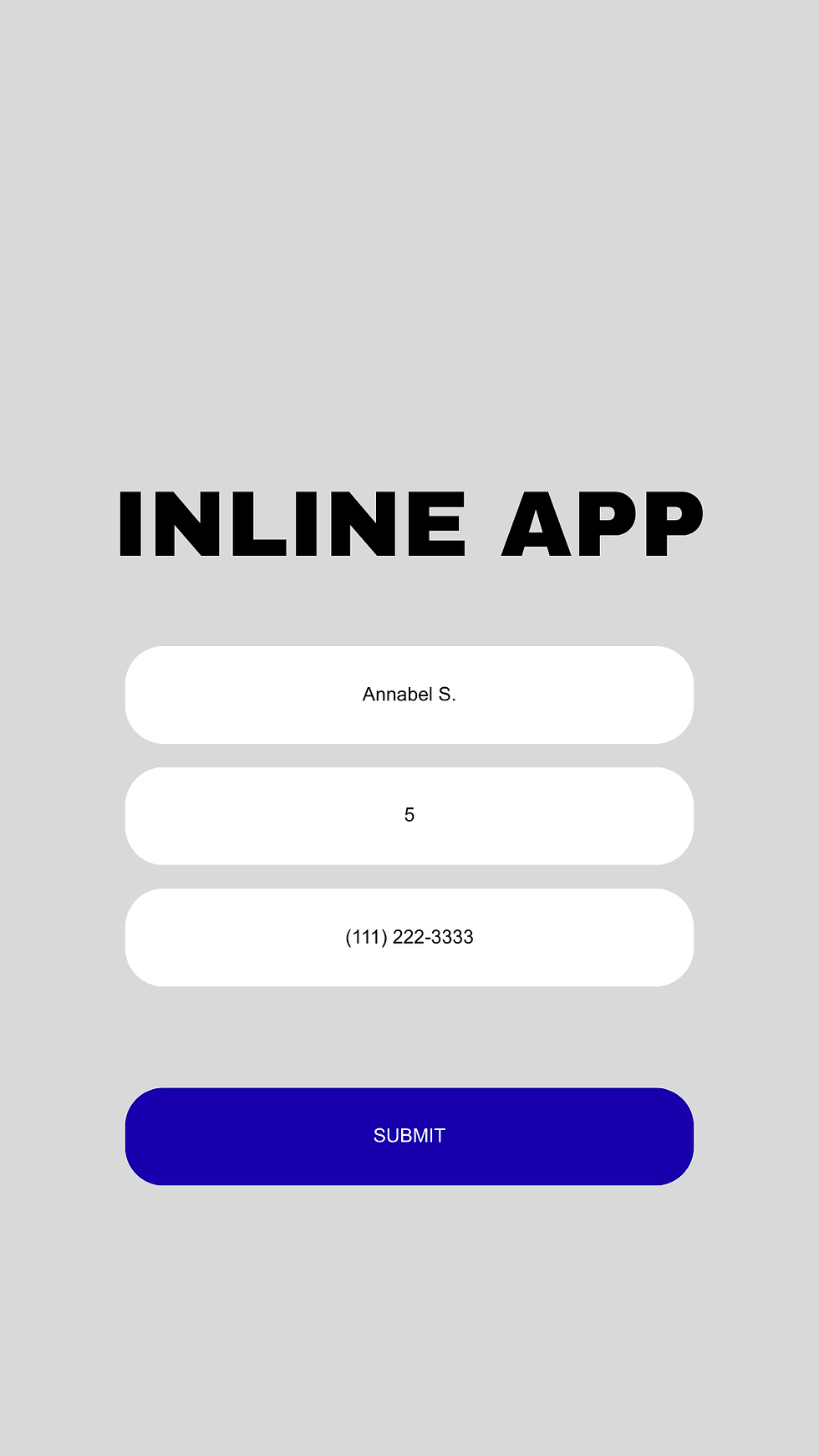
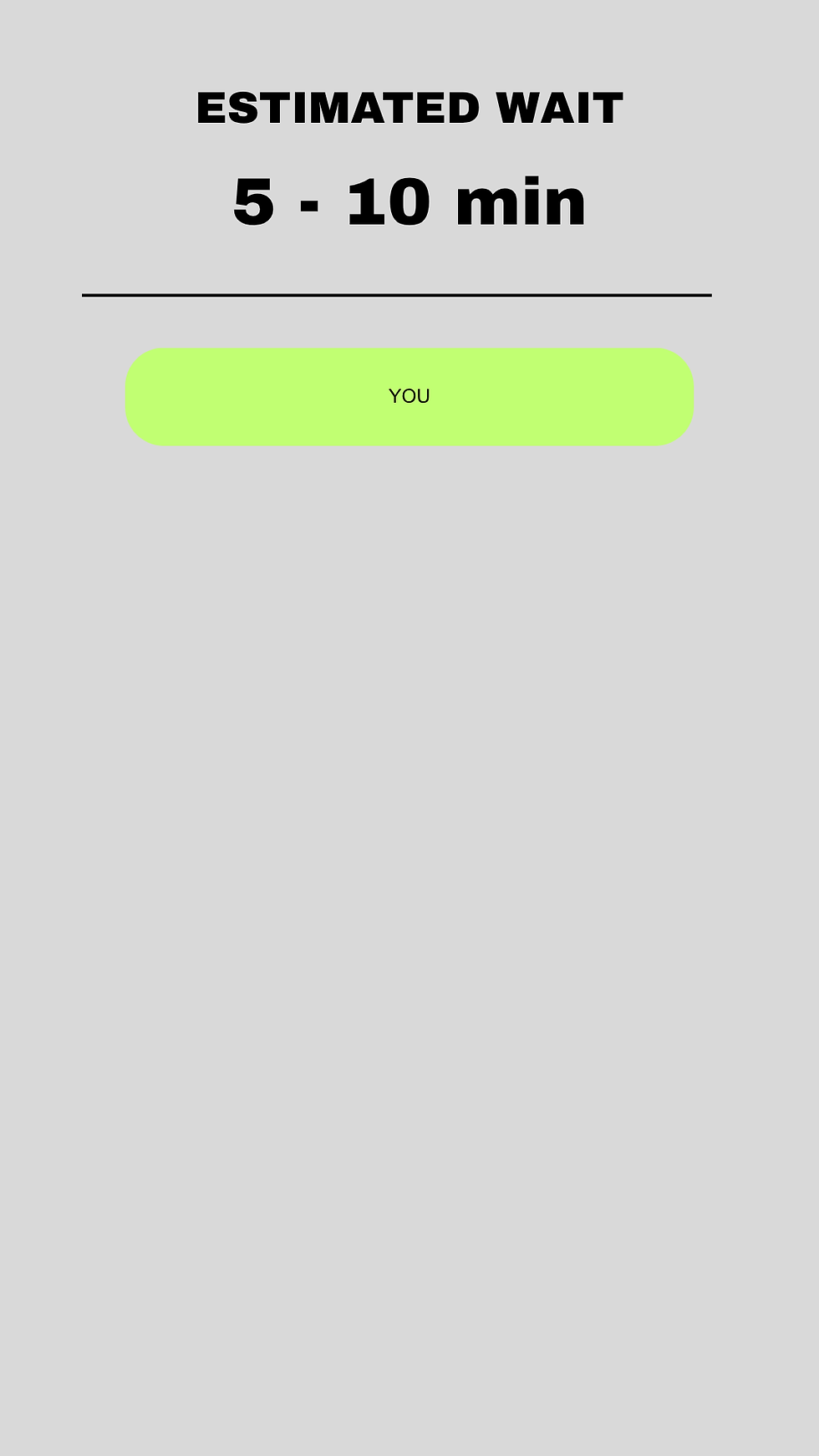
If a line forms, patrons waiting to enter must join the virtual queue via QR code
CONCEPTUAL PROGRAM
PIN # & QR code are linked to a new instance of the Inline program
The PIN # accesses the bar's specific program and defines the line being administered
Once occupancy = capacity,
wait queue algorithm is enabled:
[ + ] when bouncer admits X new patrons
[ - ] remove the top X items from the queue





bottom of page